
SMS Notification Opt-In
eTruckBiz users do not opt in to SMS notifications through the public eTruckBiz website registration form. Employee user accounts are created by an authorized account administrator through the eTruckBiz BOSS administrative system.
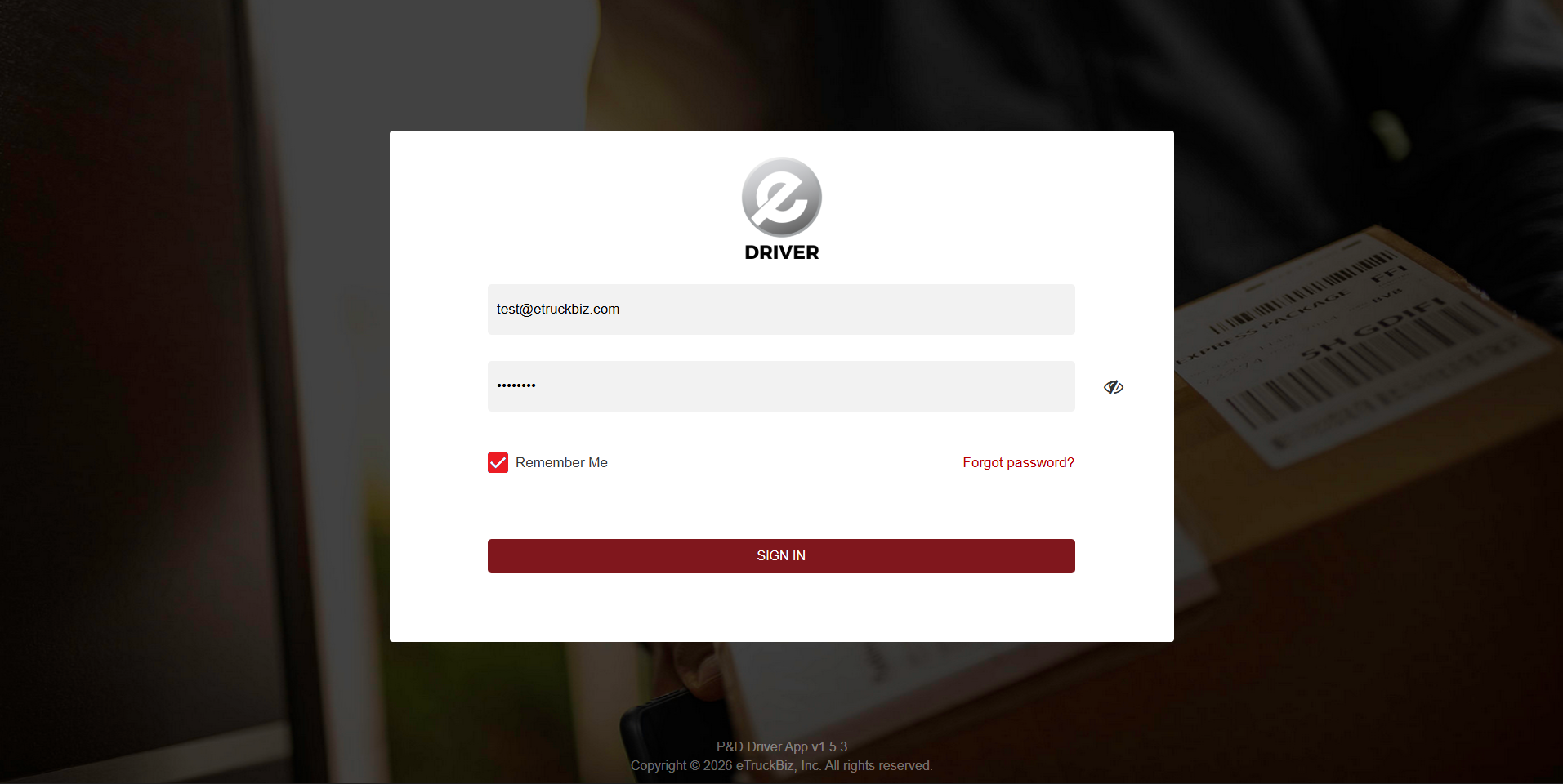
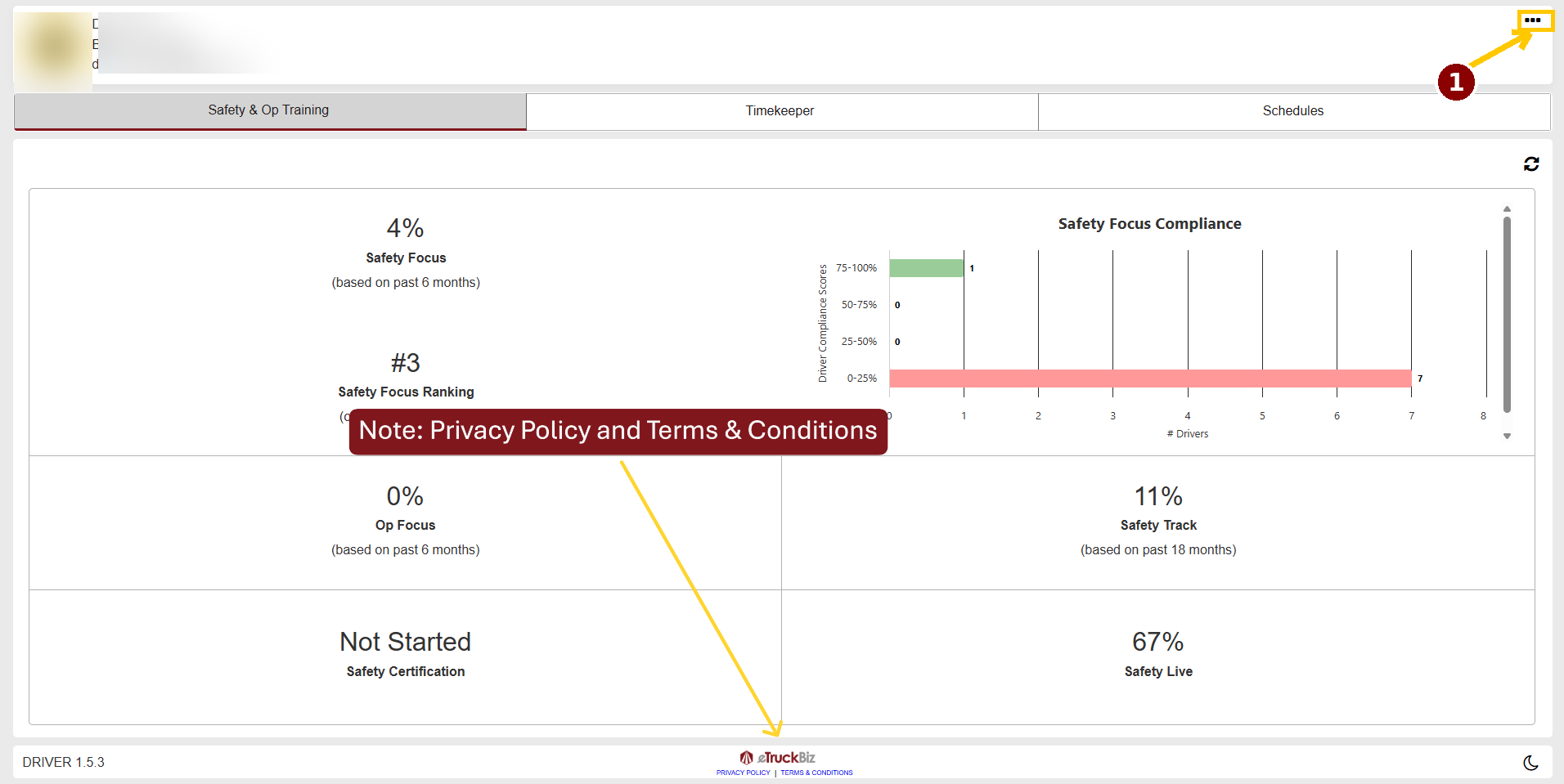
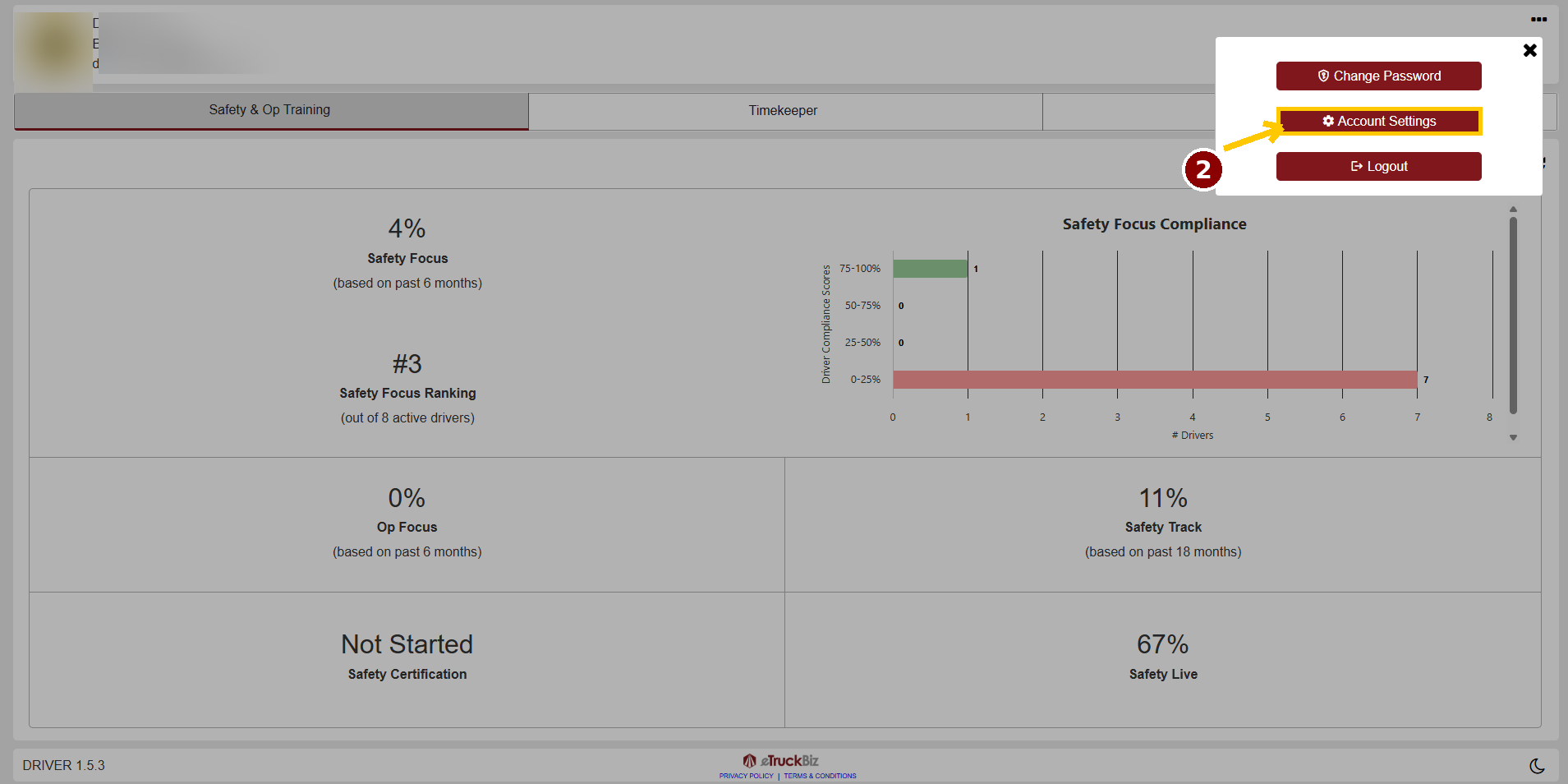
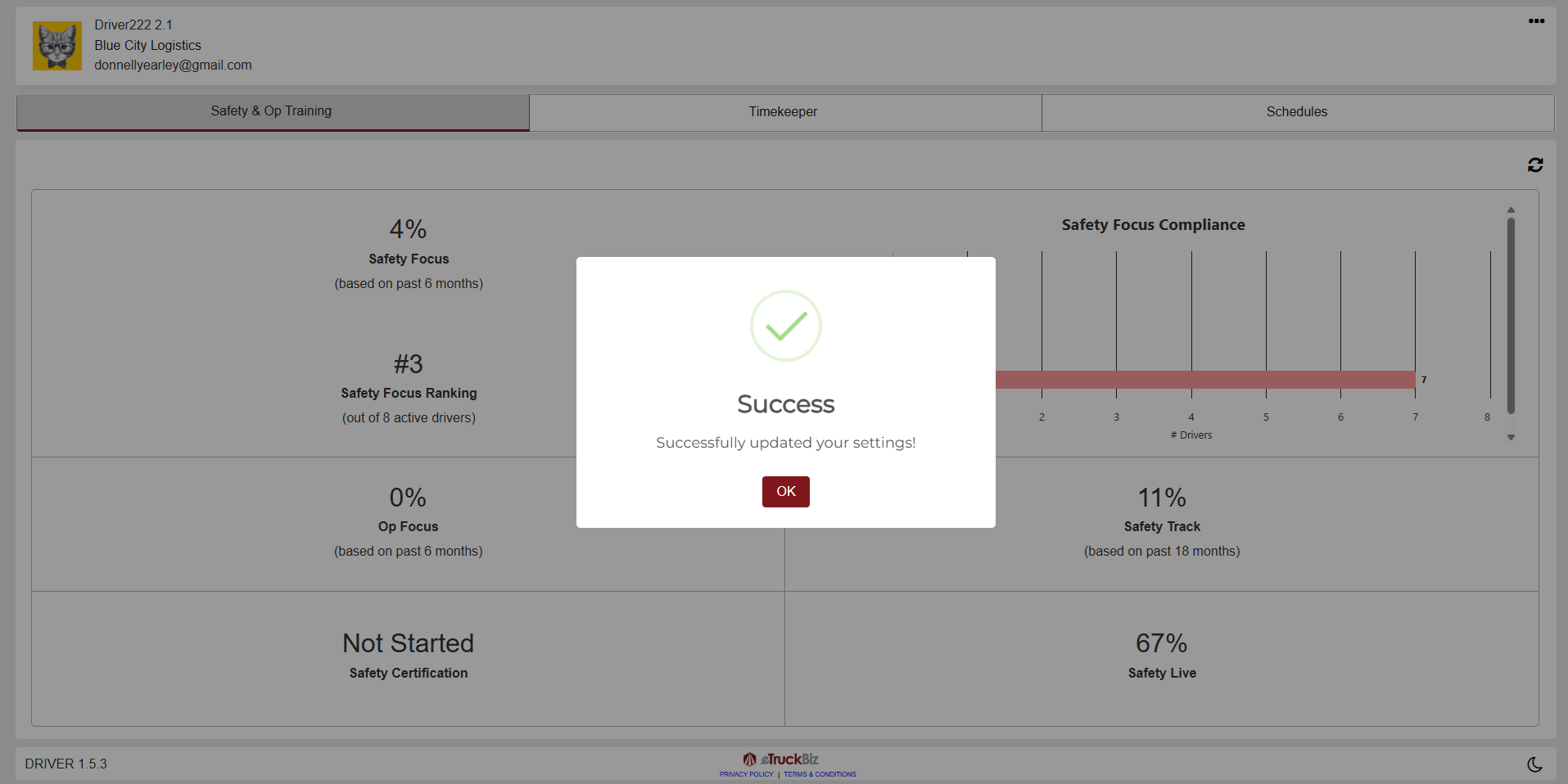
After an employee's account has been created, the employee can access their account through the eTruckBiz Driver Web App and manage their SMS notification preferences within their account settings.
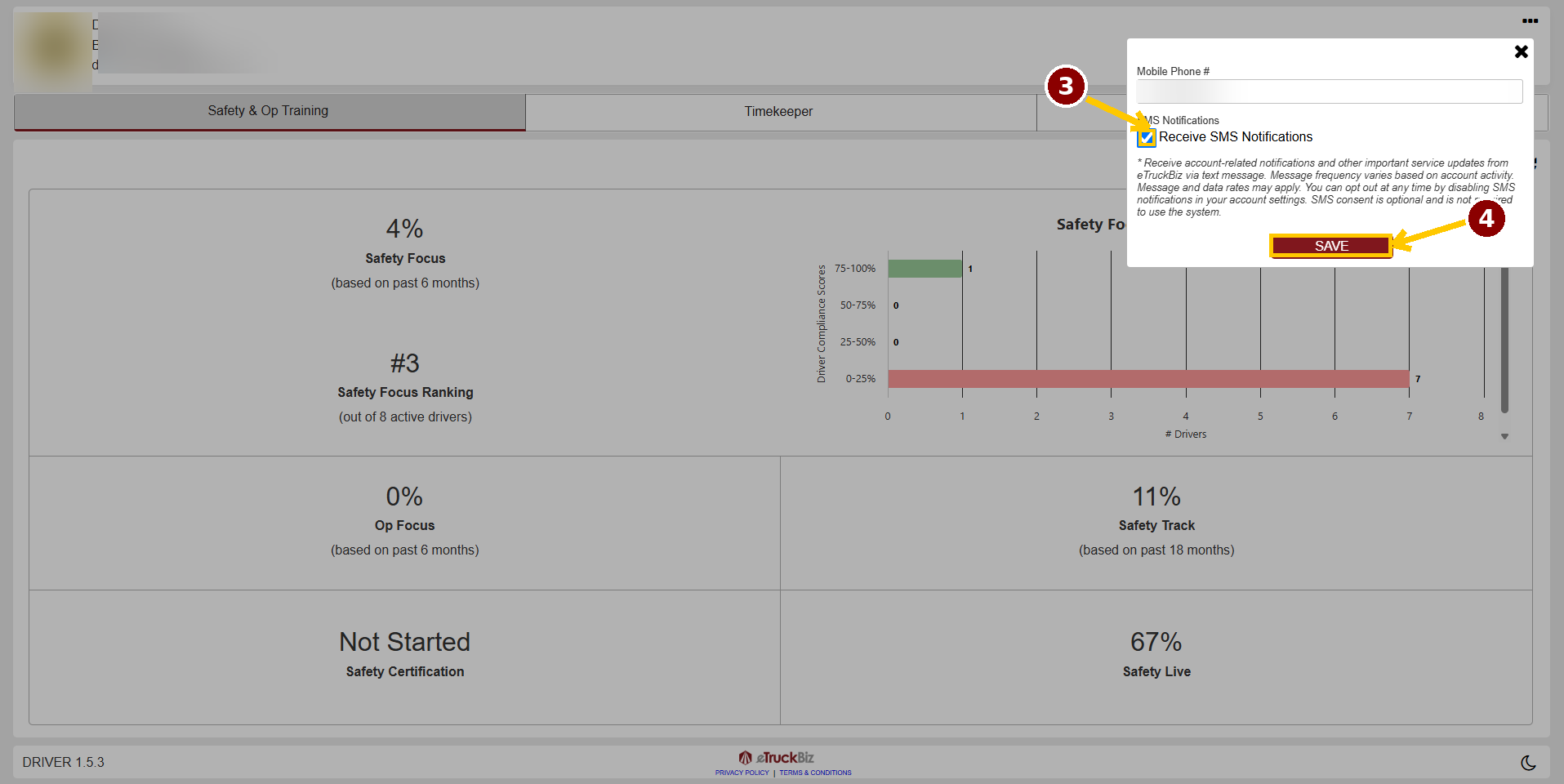
To opt in to SMS notifications, the employee must manually select the "Receive SMS Notifications" checkbox. The checkbox is unchecked by default and requires affirmative action by the employee. Providing a mobile phone number does not constitute consent to receive SMS messages.
SMS notifications may include account-related notifications, scheduling updates, verification notifications, and other important service-related information related to the employee's use of the eTruckBiz platform.
Message frequency varies based on account activity. Message and data rates may apply. SMS consent is optional and is not required to use the Driver Web App.
Employees can opt out of SMS notifications at any time by accessing their account settings and unchecking the "Receive SMS Notifications" checkbox.
Updated: August 19, 2026